
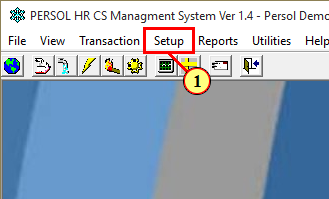
1. Click on the Setup Menu Tab
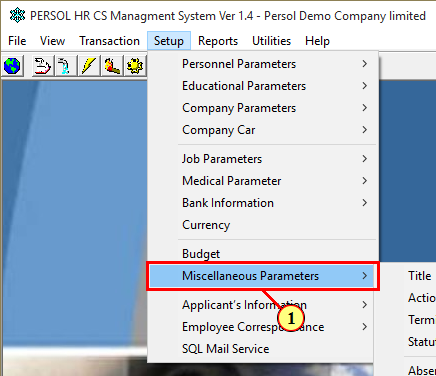
2. Browse to Miscellaneous Parameters in the drop-down functions
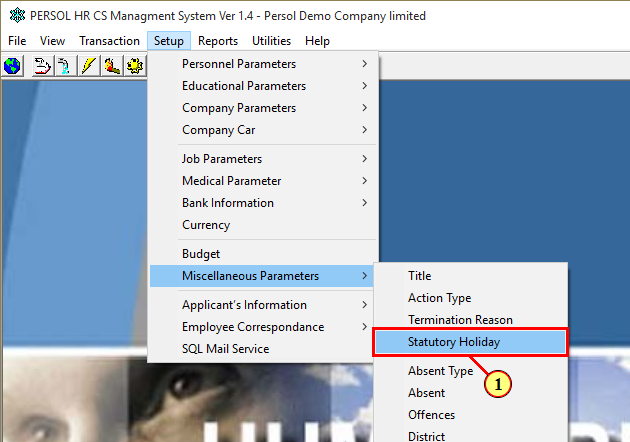
3. Select further and click on Statutory Holidays
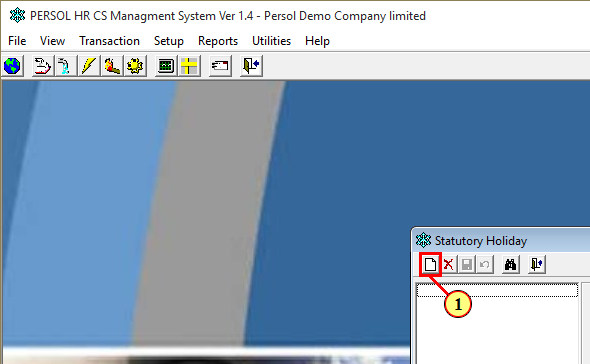
4. Click on a New-Record (This will display a blank form for input)
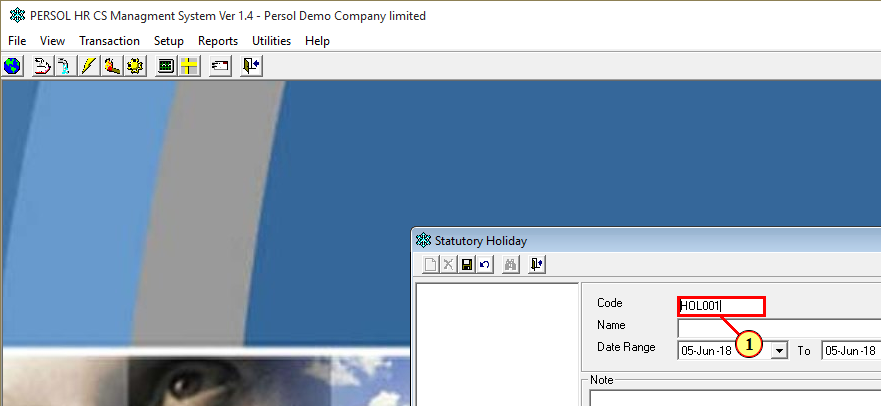
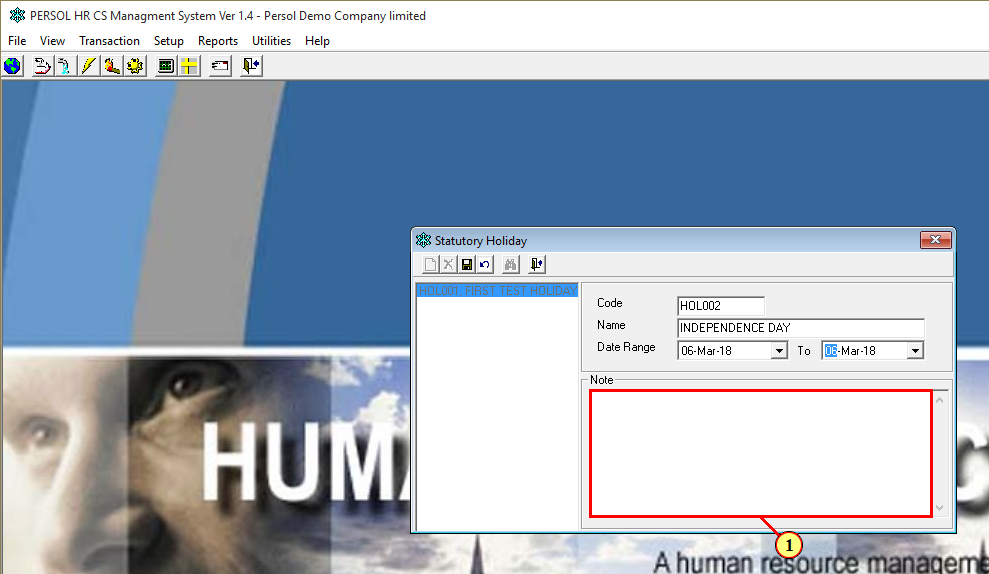
5. Input a defined company code for Holidays
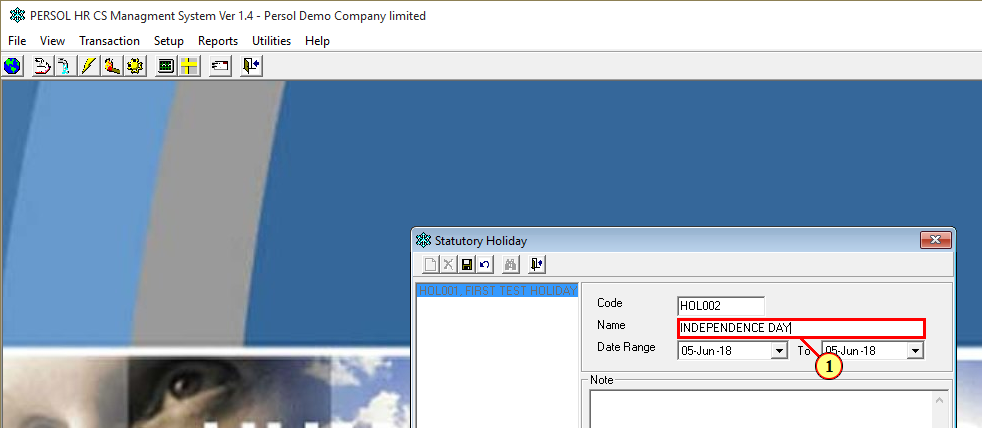
6. Input a defined Holiday Name for the instance
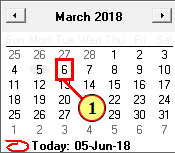
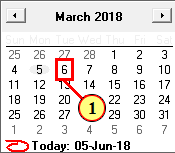
7. Specify the assigned period for the Holiday
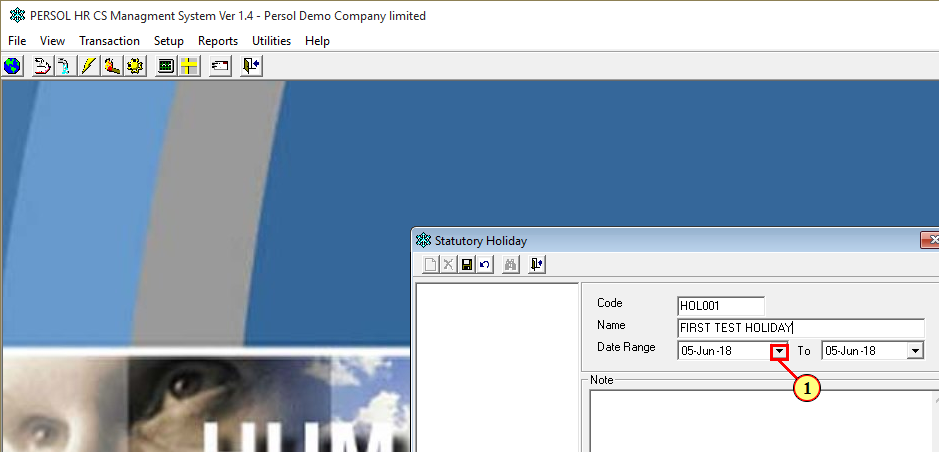
From: To:
8. Input a Note to define the Newly created Leave. (Optional)
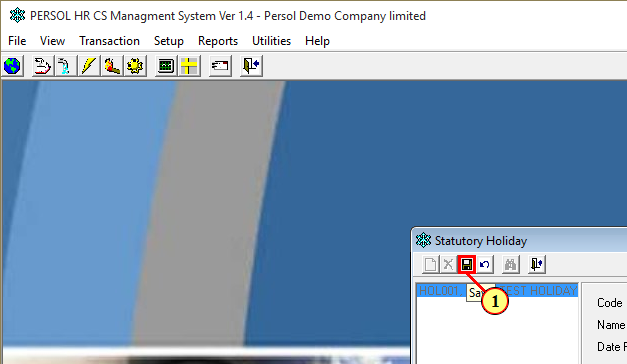
9. Save Transaction
Comments
1 comment
Mario!
Please sign in to leave a comment.